
 Cartridges for printers
 Labels, stickers, label tapes
 Printers
 Office supplies
 Office equipment
 Back2School
 Coffee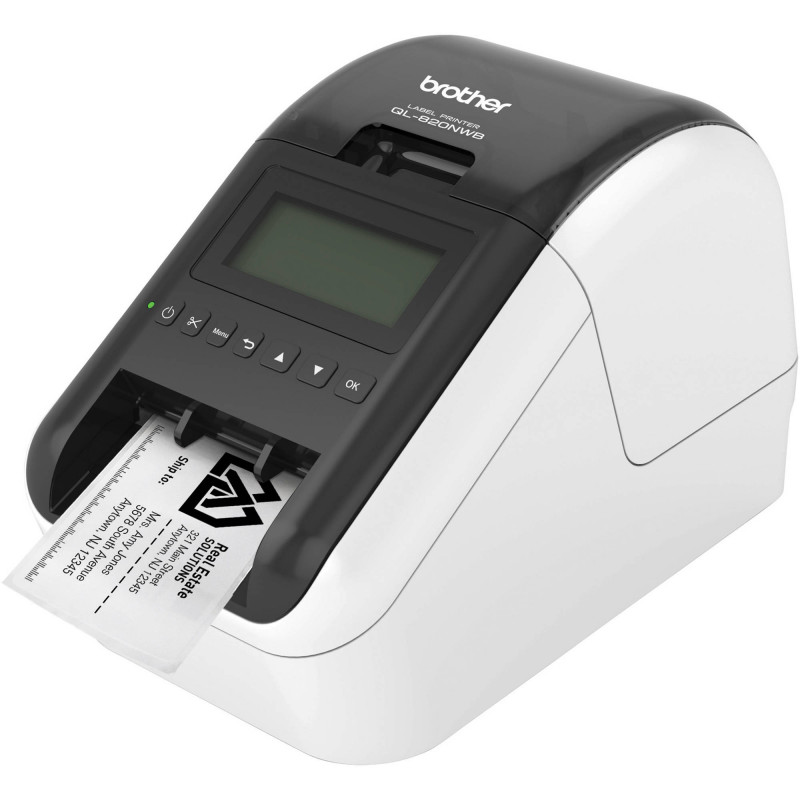
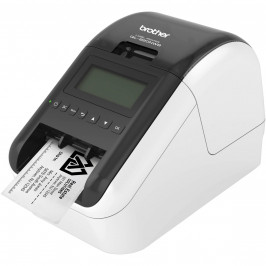
Brother's goal is to be on your side and provide the best customer service. We back this up with a free 36 months warranty.
WARRANTY TERMS
36 months warranty is valid if:
To take advantage of the warranty, please contact the dealer from whom you purchased the device.
36 months waranty
Terms and conditions

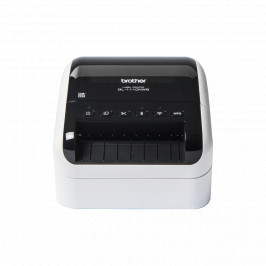
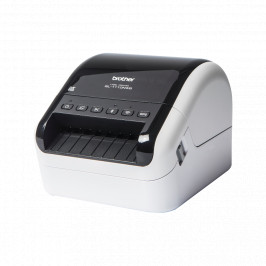
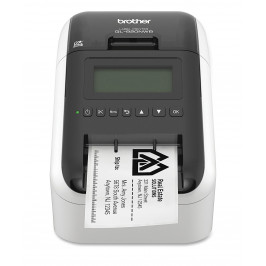
Label printer with Wi-Fi, wired Ethernet, Bluetooth, AirPrint and LCD display. Print labels up to 62 mm wide in black and red.
| Delivery | Price | Quantity | |
|---|---|---|---|
| 1 - 2 d.d. |
226.90 €
|
2 |
| Image | Product name | Price | |
|---|---|---|---|

|
7.71 € | ||
|
7.71 €
|
|||

|
7.09 € | ||
|
7.09 €
|
|||

|
6.85 € | ||
|
6.85 €
|
|||

|
6.87 € | ||
|
6.87 €
|
|||

|
8.40 € | ||
|
8.40 €
|
|||

|
25.82 € | ||
|
25.82 €
|
|||

|
Analogue adhesive round labels Brother DK-11218, 24mm
Resource (copies): 1000
|
9.80 € | |
|
9.80 €
|
|||
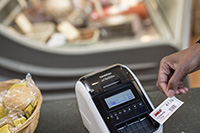 |
Print labels without using a computer The QL-820NWB works like a conventional label printer - simply create your label on a PC or Mac, then print it. You can also upload frequently used labels to the device's internal memory storage. Use the control panel to view the stored labels, select and print the label you need. You can even print the current date and time, or let the printer calculate the next one. This is perfect for printing food packaging labels and providing 'test date/next test' data. |
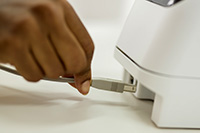 |
Various connection options The device has built-in USB, wired Ethernet, Wi-Fi and Bluetooth connections. AirPrint and MFi certifications (designed for iPod/iPhone/iPad devices) ensure maximum compatibility with Apple products. |
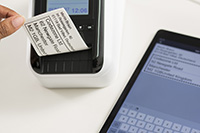 |
Print from PC, Mac, iOS and Android devices Create labels with text, barcodes, images and frames with the free P-touch Editor label software for PC and Mac. Or you can download the free iPrint & Label app for iOS and Android devices from your app store to quickly create and print labels wirelessly from your mobile devices. |
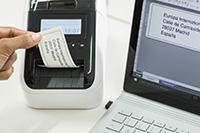 |
Printing from Microsoft Office applications and databases The P-touch Editor Microsoft Office add-in (Windows only) allows you to select and print data directly from Word, Excel and Outlook with one click! You can also transfer text saved in Excel or .csv format to P-touch Editor. Simply place each field on the label layout and you can print many labels in the same format (design). Perfect for printing address, product and price labels. |
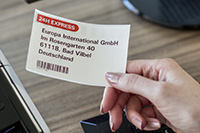 |
Print labels in black and red in different sizes The rolls are designed to produce regular labels of fixed dimensions or continuous length labels - the built-in cutter cuts the label to the length you need (up to one metre). You can also draw attention to important information by highlighting it in red* on the label. Perfect for highlighting expiry dates, allergens and other important information. *Requires DK-22251 roll |
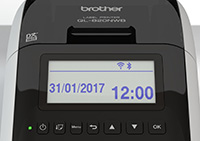 |
Built-in LCD display for easy use A large backlit graphic display makes it easy to select the labels you want to print, stored in memory. Getting the device ready for use and configuring it is much easier. In addition, in the event of a malfunction, the display provides instructions on how to solve the problem. |
 |
A wide choice of labels for different needs The QL series label printers use Brother DK rolls - easy-to-install rolls that allow you to change labels quickly. Several types of rollers are available: - Adhesive paper and plastic film-coated labels of the specified dimensions. - Continuous length self-adhesive paper and plastic film-coated labels that can be cut to your desired length (up to 1 metre). - Non-adhesive cards ideal for receipts and name cards - Adhesive labels that can be removed and reapplied. |
Label printer with Wi-Fi, wired Ethernet, Bluetooth, AirPrint and LCD display. Print labels up to 62 mm wide in black and red.
 Greitosios parengties vadovas
 Atsisiuntimai