

 Cartridges for printers
 Labels, stickers, label tapes
 Printers
 Office supplies
 Office equipment
 Back2School
 Coffee
.


.
Printers

596.72 €


337.24 €
1,339.95 €
NAUJA
259.53 €
NAUJA
274.29 €

439.13 €

194.36 €
596.72 €
Canon MAXIFY GX7150 is a high-performance ink-jet multifunction printer with additional ink tanks for intensive work in the office or home office. The device allows you to print, copy, scan and send faxes. Prints at about 24...
337.24 €
The Brother DCP-T780DW is a cost-effective colour multifunction printer with an ink tank system for home and small offices. It allows you to print, copy and scan, with Wi-Fi connectivity for convenient printing from a variety of...
Last items in stock
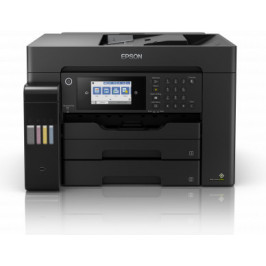
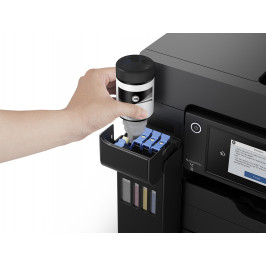
1,339.95 €
Epson EcoTank L15150 is a multifunctional A3+ printer with Wi-Fi, ink tank system and fax function. It allows you to print, scan, copy and send faxes, supporting formats larger than A4. The EcoTank system ensures a low cost per...
Last items in stock
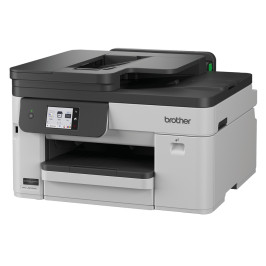
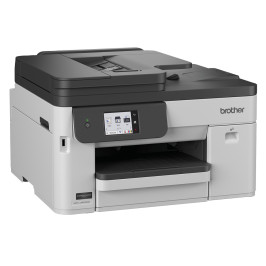
259.53 €
Brother MFC-J5010DW is an A4 colour inkjet multifunction printer designed for small offices. It prints at up to 28 monochrome and 26 colour images per minute, while the 50-sheet single-pass automatic document feeder speeds up...
Last items in stock
274.29 €
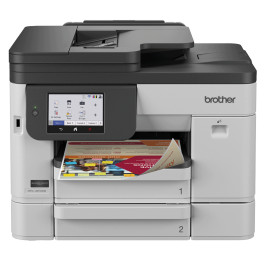
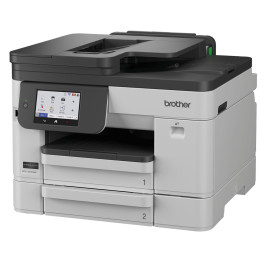
Brother MFC-J5110DW is an A4 colour inkjet multifunction printer designed for document workflows in small and medium-sized businesses. It provides printing, scanning, copying and faxing, including automatic two-sided printing,...
Last items in stock
439.13 €
The Epson EcoTank L6370 is an EcoTank multifunctional colour printer designed for low printing costs and ease of use. The high-capacity ink system reduces running costs by up to 95% and the included ink bottles ensure high page...
194.36 €
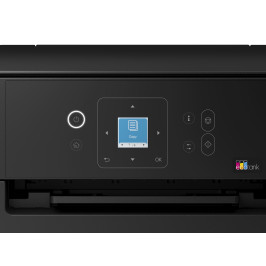
Epson EcoTank L3361 is a compact A4 colour printer, scanner and copier in one device. The 3.7 cm colour LCD screen makes it easy to select copying, setting and maintenance functions. The printer supports Wi-Fi, Wi-Fi Direct,...
Looking for a printer? Answer a few questions and I'll help you choose the right device for your printing needs!