

 Cartridges for printers
 Labels, stickers, label tapes
 Printers
 Office supplies
 Office equipment
 Back2School
 Coffee
.


.
Printers

426.54 €
596.72 €
NAUJA
510.57 €


317.51 €
1,339.95 €
NAUJA
234.29 €
NAUJA
274.29 €
426.54 €
The Canon i-SENSYS MF667Cdw is a colour laser multifunction printer designed for everyday office work. It prints up to 25ppm, supports automatic duplexing and has an ADF document feeder. Built-in LAN, USB and Wi-Fi connectivity...
596.72 €
Canon MAXIFY GX7150 is a high-performance ink-jet multifunction printer with additional ink tanks for intensive work in the office or home office. The device allows you to print, copy, scan and send faxes. Prints at about 24...
510.57 €
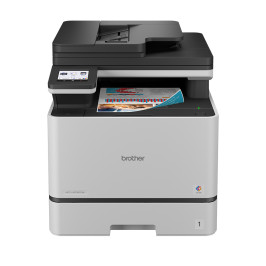
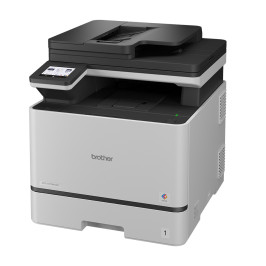
The Brother MFC-L8730CDW is a professional A4 color laser multifunction printer designed for intensive office use. The device prints and copies at speeds of up to 31 ppm, and also handles scanning and faxing. Automatic two-sided...
317.51 €
Brother MFC-L2960DW is a monochrome laser multifunction printer designed for intensive office use. The device allows you to print, copy, scan and send faxes, ensuring a stable and efficient work process. Automatic two-sided...
Last items in stock
1,339.95 €
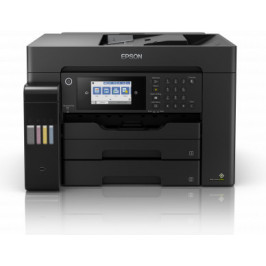
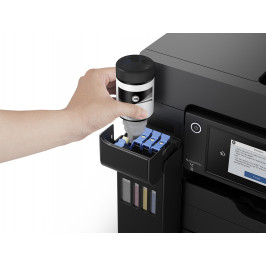
Epson EcoTank L15150 is a multifunctional A3+ printer with Wi-Fi, ink tank system and fax function. It allows you to print, scan, copy and send faxes, supporting formats larger than A4. The EcoTank system ensures a low cost per...
Last items in stock
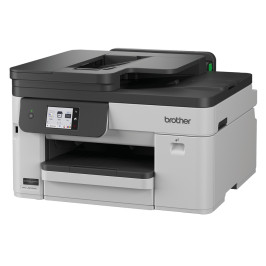
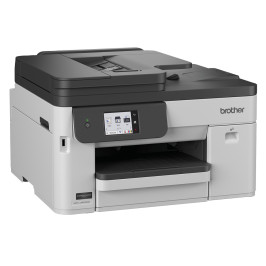
234.29 €
Brother MFC-J5010DW is an A4 colour inkjet multifunction printer designed for small offices. It prints at up to 28 monochrome and 26 colour images per minute, while the 50-sheet single-pass automatic document feeder speeds up...
Last items in stock
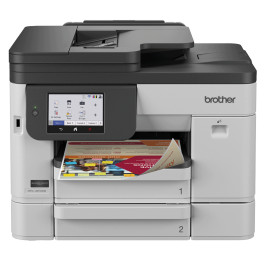
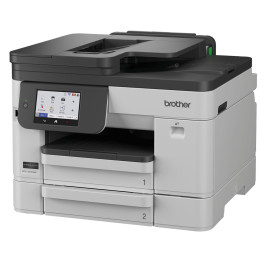
274.29 €
Brother MFC-J5110DW is an A4 colour inkjet multifunction printer designed for document workflows in small and medium-sized businesses. It provides printing, scanning, copying and faxing, including automatic two-sided printing,...
Last items in stock
Looking for a printer? Answer a few questions and I'll help you choose the right device for your printing needs!